

ejoy.over-blog.com/
24 Janvier 2021

Google's Chrome OS vs. Cloud-Ready OS Just like Google's Chrome OS, Neverware also developed the OS from the Open-source Chromium OS project. They have taken the source code from the Chromium and add their own proprietary code to make a working OS.
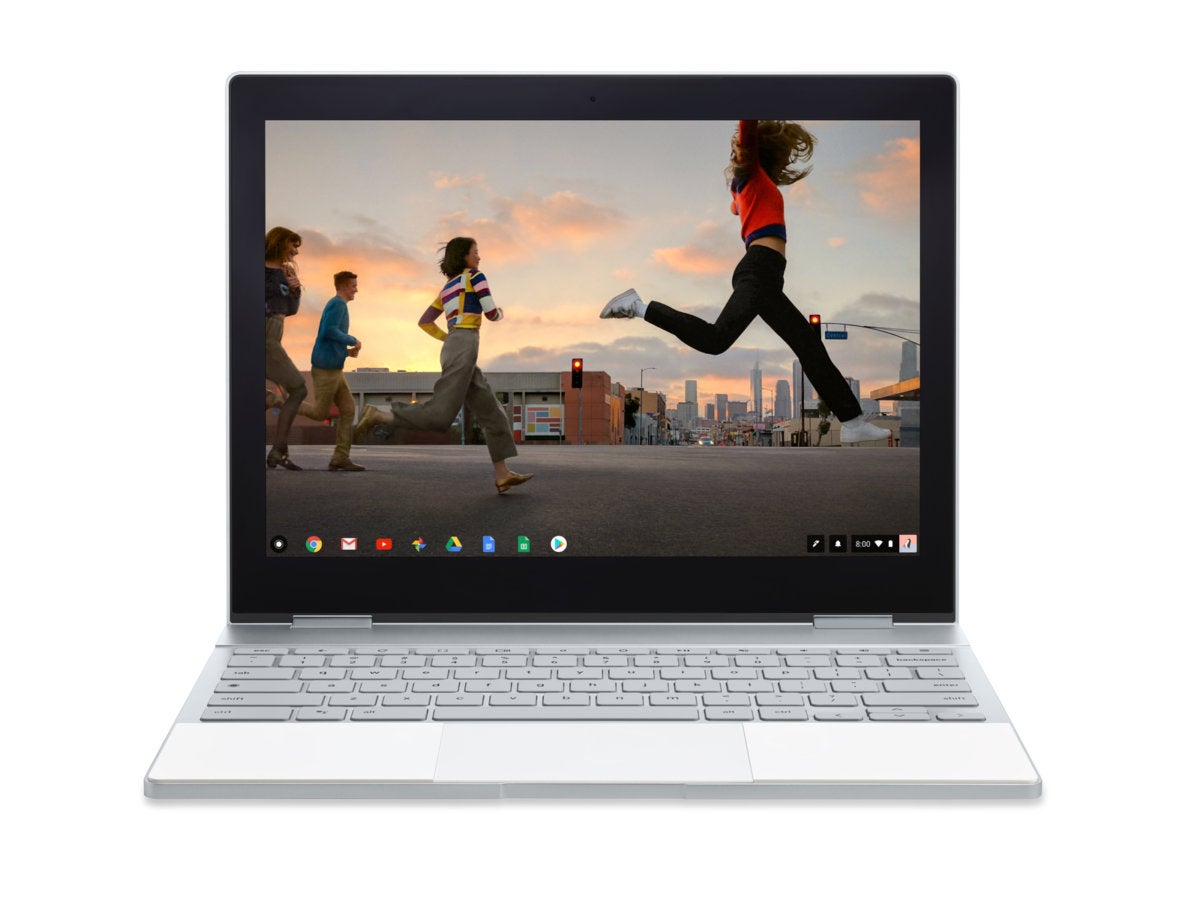
Do you have an old computer that can barely keep up with Windows? If you o, you can breathe a new life into it if you install Chrome OS. Being based around and on just the Chrome browser, it is light-weight compared to Windows. You won't be able to do everything that you could on a Windows machine but at least your computer can do most other things. You can still watch videos, play music, browse the web, edit pictures, and game a bit. Just don't expect any AAA titles to run on your machine. Now, we know Google does not release an official Chrome OS build for other devices. That means anyone interested will have to rely on unofficial Chromium OS builds, also not by Google. One of the best ways to install Chrome OS or Chromium OS on a laptop is Cloudready.
Cloudready is basically Chromium OS with a few additional management features and mainstream hardware support. Neverware sells Cloudready to businesses and schools that want to run Chrome OS on existing hardware. For home users, Cloudready is completely free. For me, something being free is reason enough to get it but here's why you should consider it too. Older PCs, especially those from the time of Windows XP can get a new life with a light-weight browser-based OS such as Chromium OS. Instead of running a full-on operating system like Windows, the old hardware only has to run a browser.
Creating the installer used to be a simple process as it was. Neverware though has now made it as simple as it possibly could be. All you have to do is head over to the official website and navigate to the Cloudready Home Edition page. Scroll down and click on DOWNLOAD USB MAKER. Once downloaded, insert your USB drive and run the USB maker. Keep in mind that the USB maker will first download the entire OS and then write it to the USB disk. You can also refer to my dedicated guide on running Chrome OS from a USB drive.
Now that you have a bootable Chrome OS USB drive, shut down your PC, insert the USB drive and boot your PC with the USB drive. Make sure you have enabled the necessary requirements in the BIOS to be able to boot from a USB. If you are able to boot from the USB drive, you will see a bright white screen with the Cloudready logo. After this, you will be asked to log in with your Google ID. You can log in and try out Cloudready or Chromium OS first before installing it. In my experience though, logging in seems to do something, that I can't exactly point out. The end result for me has always been that the installation gets stuck.
Flexisign 8.6 v2 keygen. When it is complete though, you can reboot your system and pull out the USB Drive. You should see the Cloudready logo on a bright white background when your computer boots up. Now that you have installed Chrome OS on your old laptop or computer, you should also try these must-have apps for Chrome OS.
Read Next: How to Create a Bootable USB on Chromebooks
According to Google Chrome browser page, the present Chrome version is said
to support Mac OS X 10.9.5 to present 10.11.5. Chrome Browser - Google
Dell docking station with macbook.
However, the issues and problems that Chrome continues to show Mac users,
indicate that it is not a wise choice for Macs. Users have found Chrome to be
a resource hog, that affects all OS X performance.
A better browser may be found in Mozilla Firefox; also Safari is still supported by
Apple at present (my OS X 10.9.5 has recent version Safari; I prefer Firefox.)
• How to Download and Install Firefox on Mac - Mozilla Firefox Help:
How to download apps on macbook air.
Also browser such as SeaMonkey (Mozilla) has email client with browser for 10.9.5.
A few others are likely OK, that won't cost you performance elsewhere.
https://lzlik.over-blog.com/2021/01/internet-explorer-for-macbook-air.html.
Good luck & happy computing! 🙂
Best video compilation software. Jun 8, 2016 5:08 PM


/image%2F6288368%2F20210221%2Fob_a91cd6_linux-web-building-software.png)
/image%2F6288368%2F20210221%2Fob_73028e_blender-cgi-software.jpeg)
/image%2F6288368%2F20210221%2Fob_a8cb60_hp-macbook-air.jpeg)
/image%2F6288368%2F20210221%2Fob_363599_blender-animation-software-download.jpeg)